Unreal Engine 5
How to Create a Pro-Level Item Inspection System in Unreal Engine 5
Extend the pickup system with tap-versus-hold input, camera-relative inspection, and controlled item rotation.
About this tutorial
Build a realistic item inspection system in Unreal Engine 5 using Control Rig IK, animation curves and montage sections.
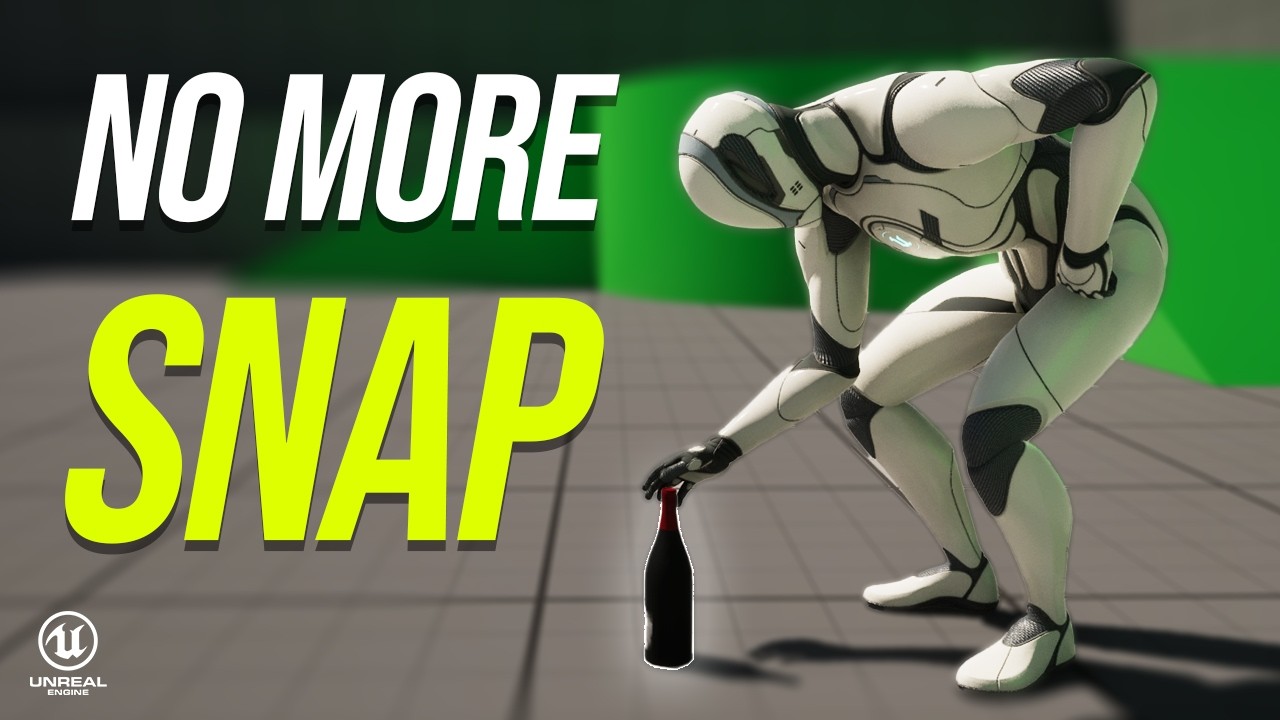
In this tutorial, we extend the realistic pickup system with tap-versus-hold input: tap E to pick up an item or hold E to inspect it. The hand IK target moves around a camera-relative pivot, creating a natural arc that moves the entire arm while keeping the hand connected to the item. We’ll also handle smooth transitions, rotation limits and different pickup heights.
In this video, you’ll learn how to:
- Create tap-versus-hold pickup and inspection input
- Set up a camera-relative inspection pivot and hand target
- Rotate items with the mouse while preserving the grip
- Blend montage curves with inspection IK
- Organize reusable Inspect and Stow montage sections
- Handle recovery and inspection for different pickup heights
- Prevent snapping and unnatural wrist rotations
This tutorial builds directly on the previous videos:
▶️ Core Pickup System: https://youtu.be/W856GJgqM2U ▶️ Pickup Polishing and Height Animations: https://youtu.be/6zGQFsnKCeY